
404 Error - File not found!
Use the search and you will find the content you are looking for... Normally, I do not delete content... ;)
From Wikipedia: "The HTTP 404, 404 Not Found, 404, 404 Error, Page Not Found or File Not Found error message is a Hypertext Transfer Protocol (HTTP) standard response code, in computer network communications, to indicate that the browser was able to communicate with a given server, but the server could not find what was requested. The error may also be used when a server does not wish to disclose whether it has the requested information."
If you want to know what happened, Wikipedia explains the HTTP 404 Error in detail.
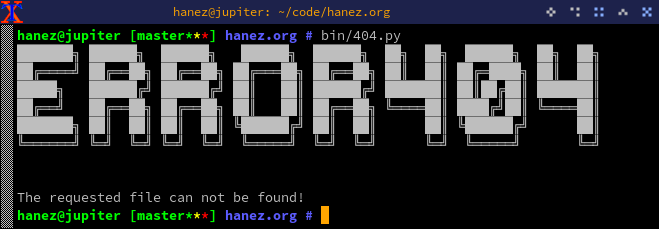
The image above?
The ASCII art in the screenshot above was created using the Jimner Python library.
from jimner import jimnerascii = jimner()ascii.get_banner_from_text('ANSI Shadow', 'Error 404')